
POS by type of business
Point-of-sale terminals grouped by sector. Each configuration comes with the peripherals that business needs to take payment.
Showing all 15 resultsSorted by price: low to high
-
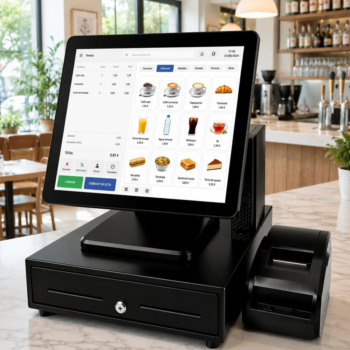
POS for hospitality (6)
-
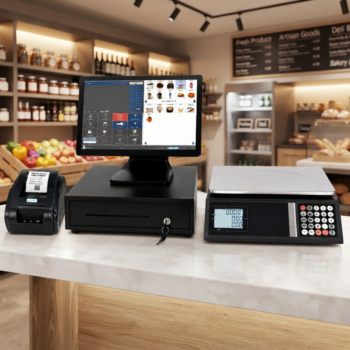
POS for supermarkets and food shops (3)
-
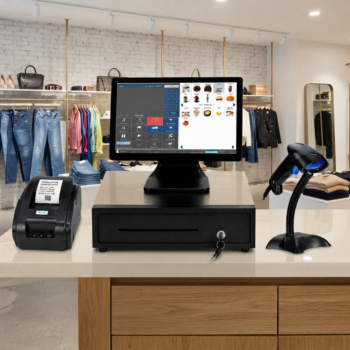
POS for shops and retail (5)
-
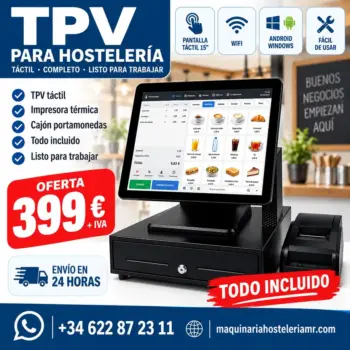
Complete touchscreen POS for hospitality, with receipt printer and cash drawer
399,00 € + VAT · 482,79 € inc. VAT Add to basket -
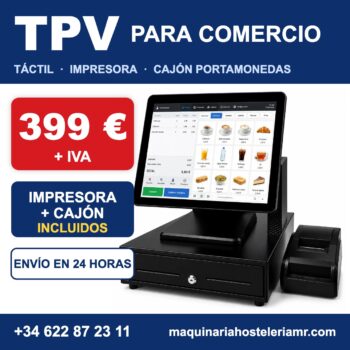
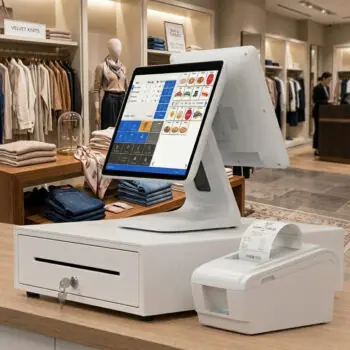
Touchscreen POS for retail with receipt printer and cash drawer
399,00 € + VAT · 482,79 € inc. VAT Add to basket -
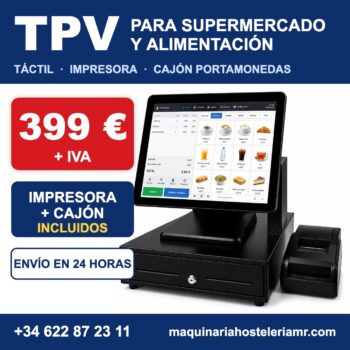
Touchscreen POS for supermarkets and grocery shops, with printer and cash drawer
399,00 € + VAT · 482,79 € inc. VAT Add to basket -
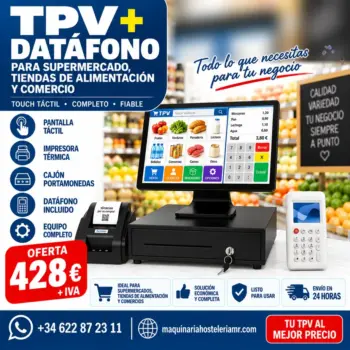
POS for retail with portable card terminal, receipt printer and cash drawer
428,00 € + VAT · 517,88 € inc. VAT Add to basket -

Touchscreen POS for retail with barcode scanner, printer and cash drawer
428,00 € + VAT · 517,88 € inc. VAT Add to basket -

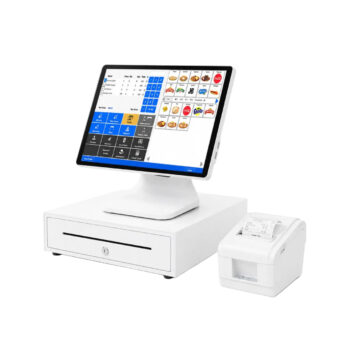
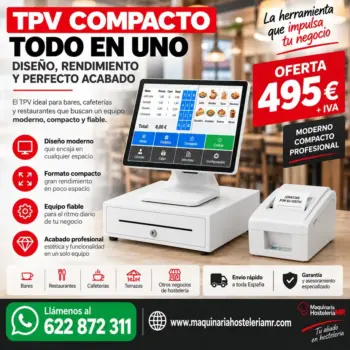
Compact all-in-one POS for retail, with printer and cash drawer
495,00 € + VAT · 598,95 € inc. VAT Add to basket -
All-in-one touchscreen POS with built-in receipt printer and cash drawer, in white or black
495,00 € + VAT · 598,95 € inc. VAT Select options This product has multiple variants. The options may be chosen on the product page -
Compact all-in-one POS for hospitality, with printer and cash drawer
495,00 € + VAT · 598,95 € inc. VAT Add to basket -
POS with scale for food shops and supermarkets
539,00 € + VAT · 652,19 € inc. VAT Add to basket -
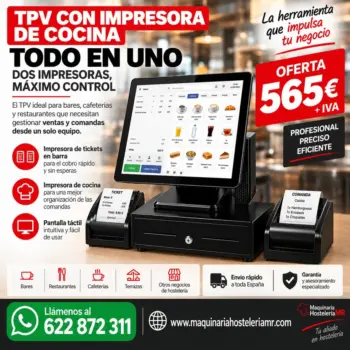
Touchscreen POS with two 80 mm printers, one for the bar and one for the kitchen
565,00 € + VAT · 683,65 € inc. VAT Add to basket -
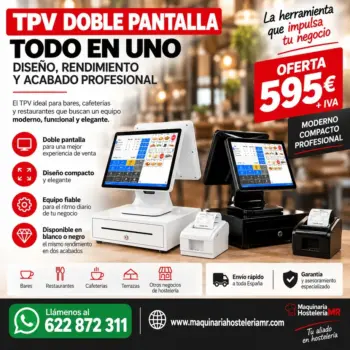
Dual-screen POS for hospitality, with printer and cash drawer
595,00 € + VAT · 719,95 € inc. VAT Add to basket -
Dual-screen POS for retail, with printer and cash drawer
595,00 € + VAT · 719,95 € inc. VAT Add to basket -
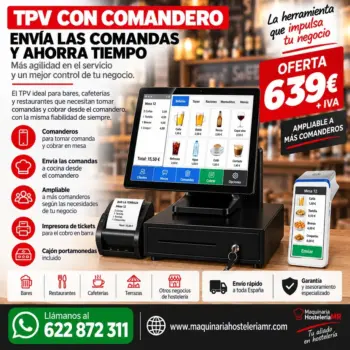
POS for hospitality with order-taking handheld, receipt printer and cash drawer
639,00 € + VAT · 773,19 € inc. VAT Add to basket -
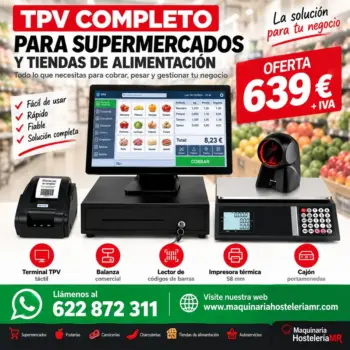
Touchscreen POS with scale and barcode scanner for supermarkets
639,00 € + VAT · 773,19 € inc. VAT Add to basket -
White touchscreen POS with tilting screen, printer and drawer
799,00 € + VAT · 966,79 € inc. VAT Add to basket
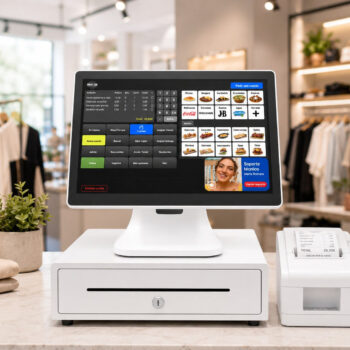


Guides to choosing and using POS by type of business
Practical tips related to this equipment.
What matters most in a POS system?
Why the software is the decisive part of a POS system, the problems basic software causes and the features a professional one should have.
Read the tip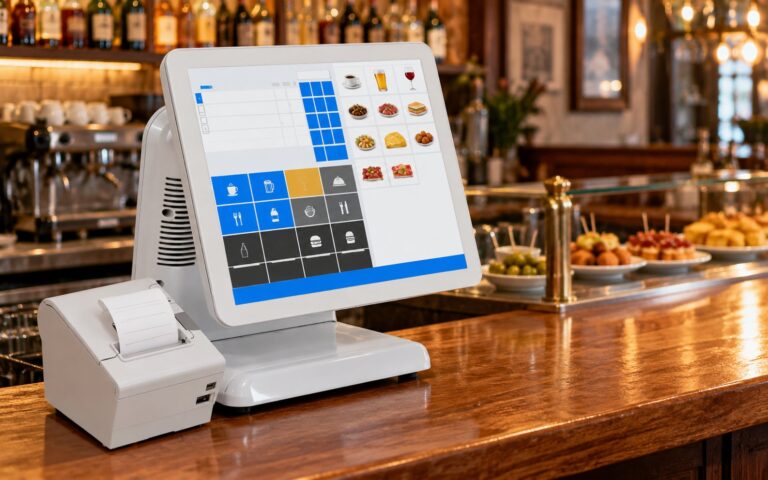
What matters more in a POS system: the hardware or the software?
The difference between POS hardware and software, what good software brings to business control and why it is worth deciding on it before the screen.
Read the tip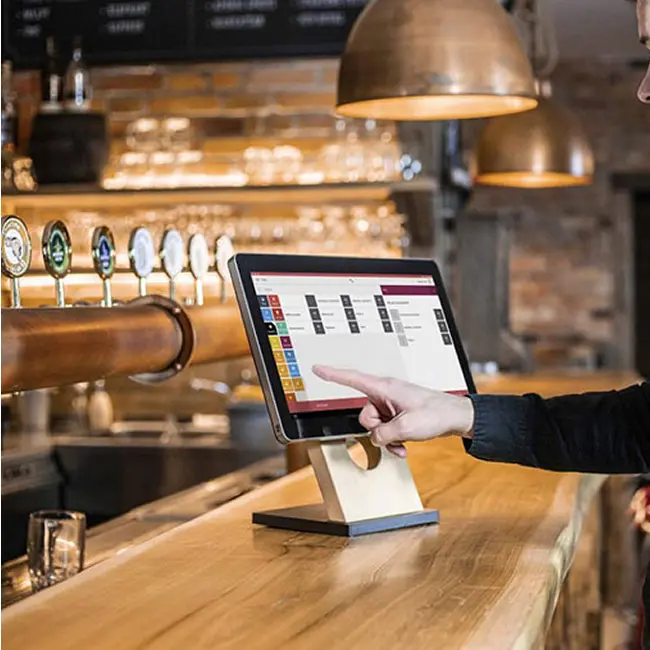
New or second-hand POS? What suits your business
What to check before choosing between a new or a second-hand POS system: total cost, warranty, compatibility with the software and peripherals.
Read the tipWhat changes from one sector to another
The touchscreen terminal is the same in every case. What changes are the peripherals it includes and how the software is configured.
- POS for hospitality. Bars, cafés and restaurants. It is set up with a kitchen printer when you need to separate what is served at the bar from what is prepared in the kitchen, and with a handheld ordering device when orders and payment are taken at the table.
- POS for shops and retail. Barcode scanner, receipt printer and cash drawer. There is also a unit with a portable 4G card terminal.
- POS for supermarkets and food shops. It adds a scale as well as the scanner, to weigh and take payment without leaving the checkout point.
- POS for hair and beauty salons.
Equipment formats
- Compact. All the components in a single body. It takes up less counter space.
- Modular. Separate screen and processing unit.
- Dual screen. It has a second screen facing the customer.
POS models by type of business
| Model | Type | Features |
|---|---|---|
| Dual-screen POS for retail, with printer and cash drawer | Dual-screen POS for retail, with printer and cash drawer | |
| Compact all-in-one POS for hospitality, with printer and cash drawer | Compact all-in-one POS for hospitality, with printer and cash drawer | |
| Touchscreen POS for supermarkets and grocery shops, with printer and cash drawer | Touchscreen POS for supermarkets and grocery shops, with printer and cash drawer | |
| Touchscreen POS for retail with receipt printer and cash drawer | Touchscreen POS for retail with receipt printer and cash drawer | |
| Dual-screen POS for hospitality, with printer and cash drawer | Dual-screen POS for hospitality, with printer and cash drawer | |
| POS with scale for food shops and supermarkets | POS with scale for food shops and supermarkets | |
| Touchscreen POS for retail with barcode scanner, printer and cash drawer | Touchscreen POS for retail with barcode scanner, printer and cash drawer | |
| POS for retail with portable card terminal, receipt printer and cash drawer | POS for retail with portable card terminal, receipt printer and cash drawer | |
| Touchscreen POS with scale and barcode scanner for supermarkets | Touchscreen POS with scale and barcode scanner for supermarkets | |
| POS for hospitality with order-taking handheld, receipt printer and cash drawer | POS for hospitality with order-taking handheld, receipt printer and cash drawer | |
| Touchscreen POS with two 80 mm printers, one for the bar and one for the kitchen | Touchscreen POS with two 80 mm printers, one for the bar and one for the kitchen | |
| All-in-one touchscreen POS with built-in receipt printer and cash drawer, in white or black | All-in-one touchscreen POS with built-in receipt printer and cash drawer, in white or black | |
| Compact all-in-one POS for retail, with printer and cash drawer | Compact all-in-one POS for retail, with printer and cash drawer | |
| White touchscreen POS with tilting screen, printer and drawer | White touchscreen POS with tilting screen, printer and drawer | |
| Complete touchscreen POS for hospitality, with receipt printer and cash drawer | Complete touchscreen POS for hospitality, with receipt printer and cash drawer |
Frequently asked questions
Can I use a retail POS in a bar?
The terminal works, but the set-up and peripherals are different. That is why they are grouped by sector.
What comes as standard?
Terminal, cash drawer and receipt printer. Depending on the model, a barcode scanner, scale, kitchen printer or handheld ordering device is added.
Does it arrive ready to use?
Yes. It is sent fully configured.
How long does shipping take?
UK shipping quoted on request.
If you are looking for software, peripherals or consumables, see all our POS systems and point-of-sale terminals.


